Great to see that there are other 'flightsimmers' here, whatever platform you choose.
For myself, I'm now running Lockheed Martin's Prepar3D, although I still have FSX and X-Plane 10 installed.
Ray, the message, plus your loss of scenery files could indicate a corruption of your FSX installation.
With regard to creating screenshots using the 'V' key, could you check that you have a folder named 'Flight Simulator X Files' in your Libraries/Pictures folder. I'm using Win 7 64bit Pro, but have read reports that Win 10 has caused problems with FSX.
Also, from within FSX go to your 'scenery' folder (world/Scenery Library) and look to see that your BHX scenery is listed. Also, within the scenery folder, make sure that 'Addon Scenery' is at the top of the list. You can move this to the top by clicking on it and using the 'Move up' button to the right of the scenery list.
Aviador, for really great real time weather, I highly recommend ActiveSky. This is payware, but in my opinion one of the best additions to flightsim available (Prepar3D, FSX and X-Plane are all supported).
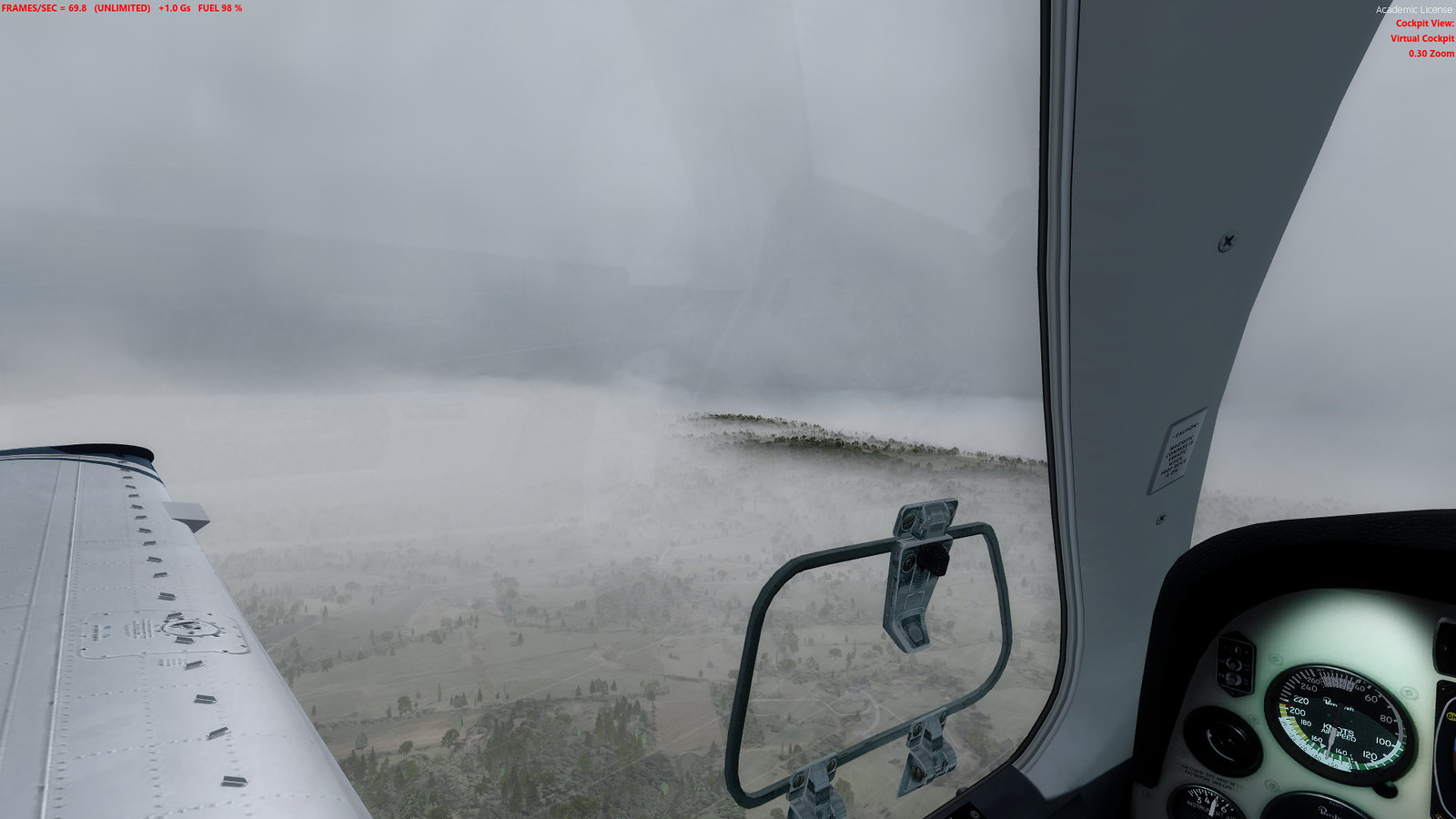
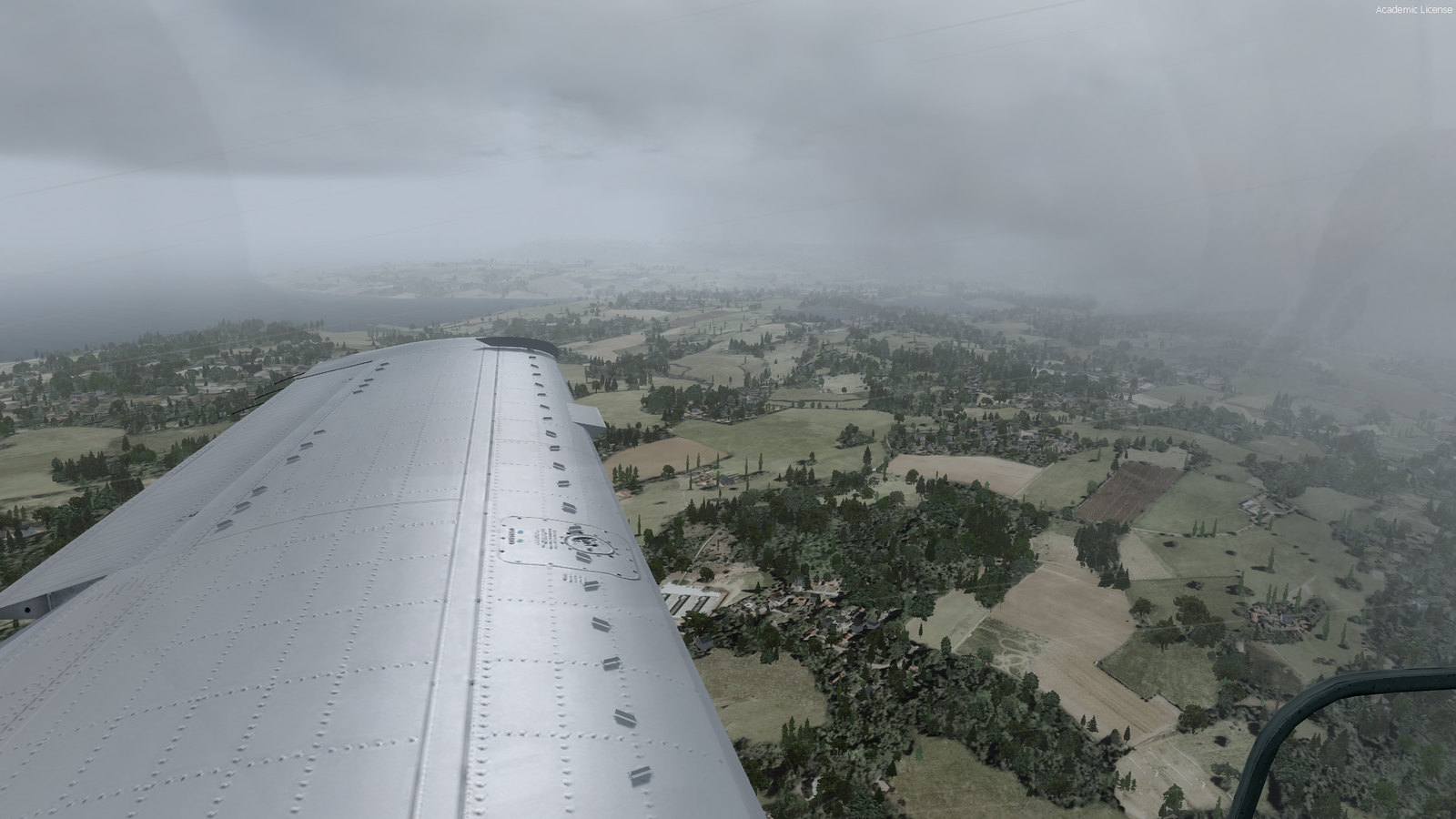
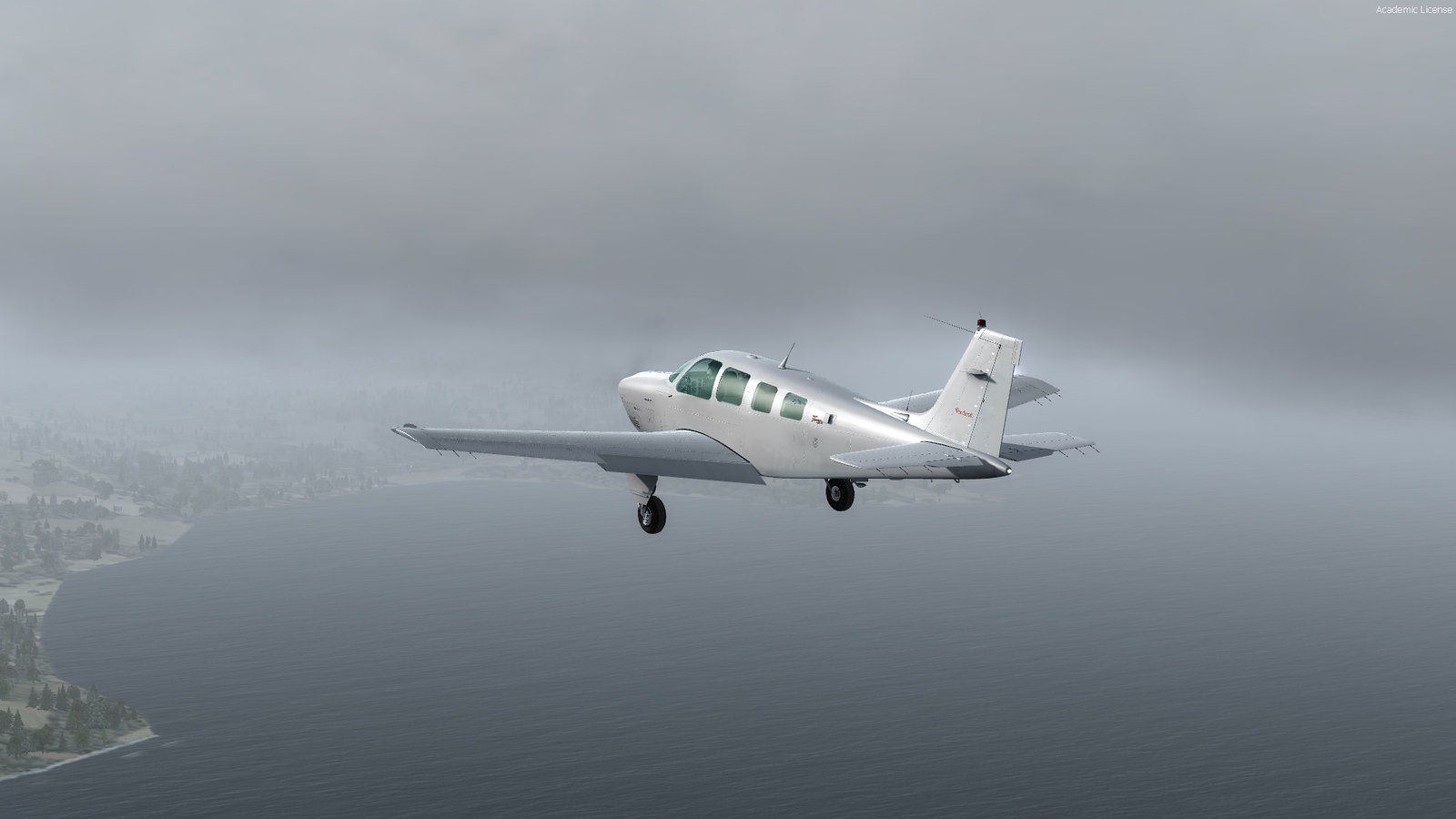
A few screenshots (Prepar3D) -
Regards
Kevin